Skin Editor 3D for Minecraft1.7
Publisher Description
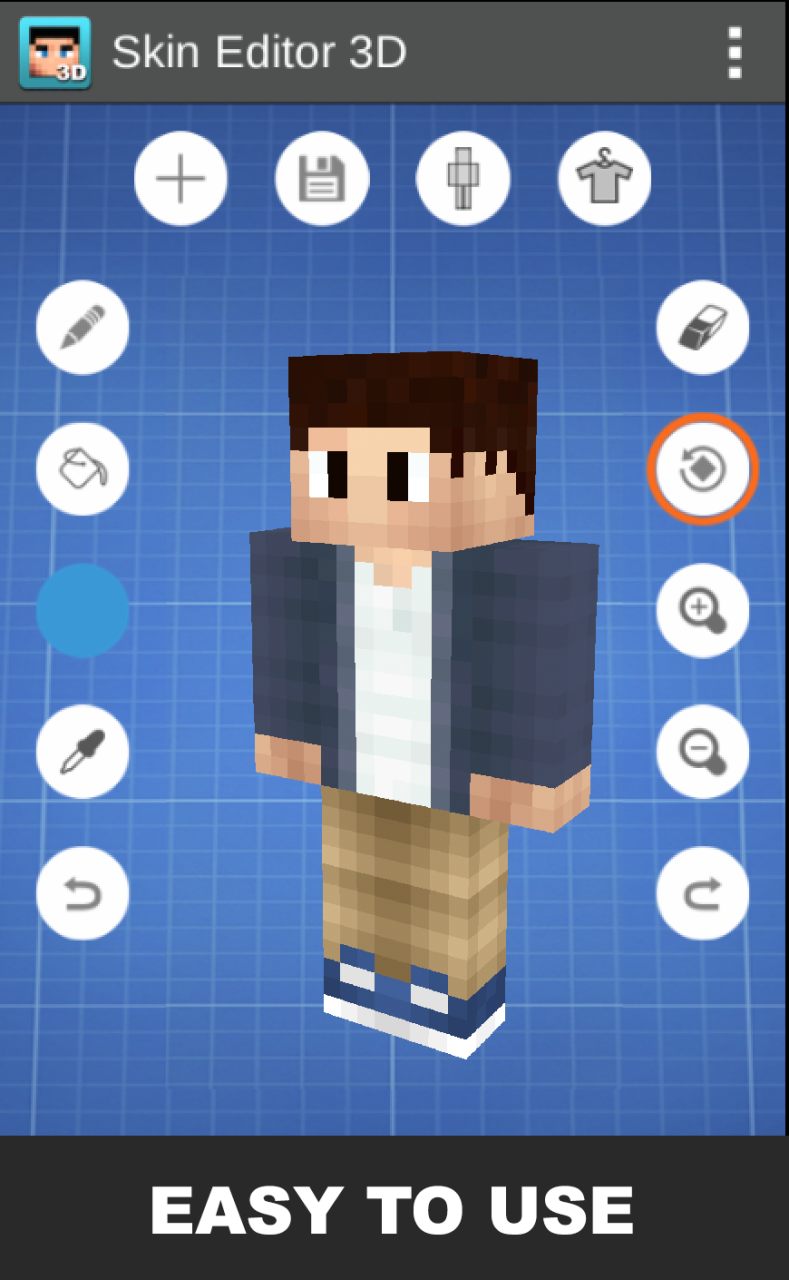
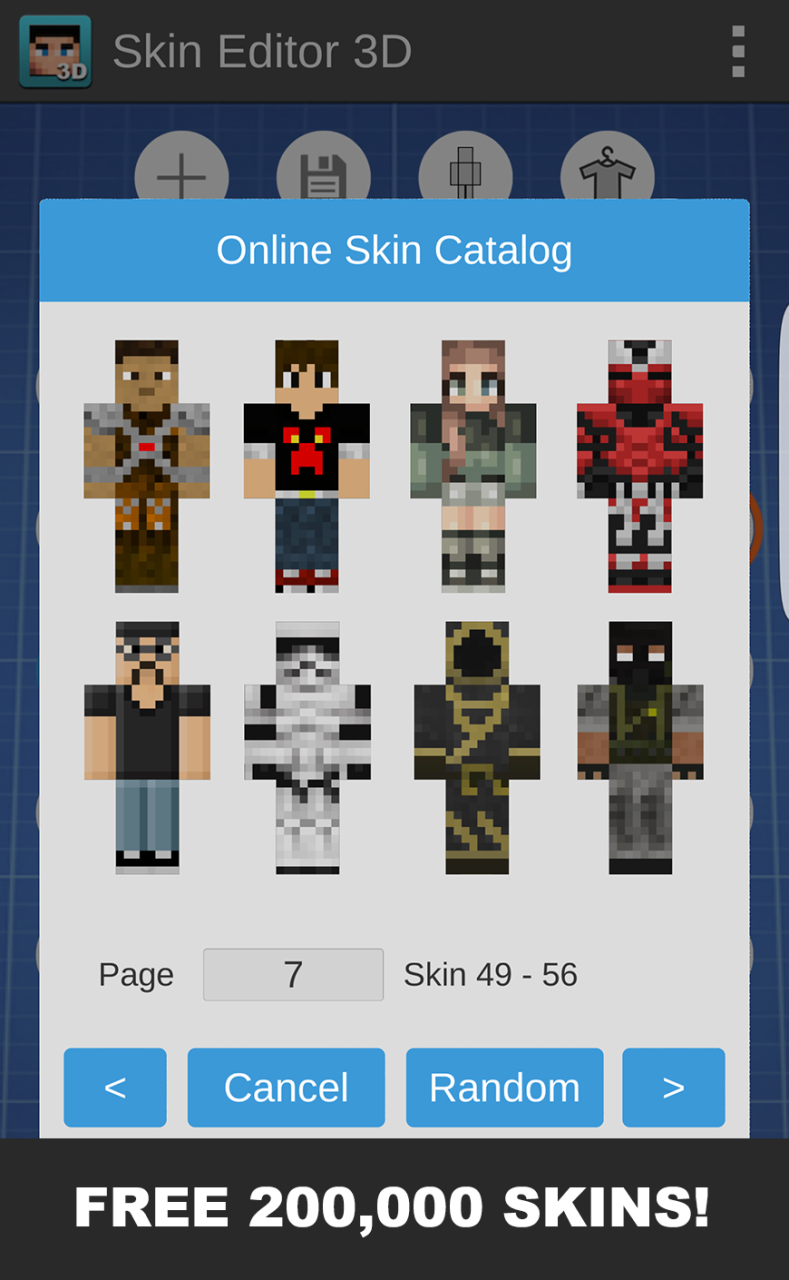


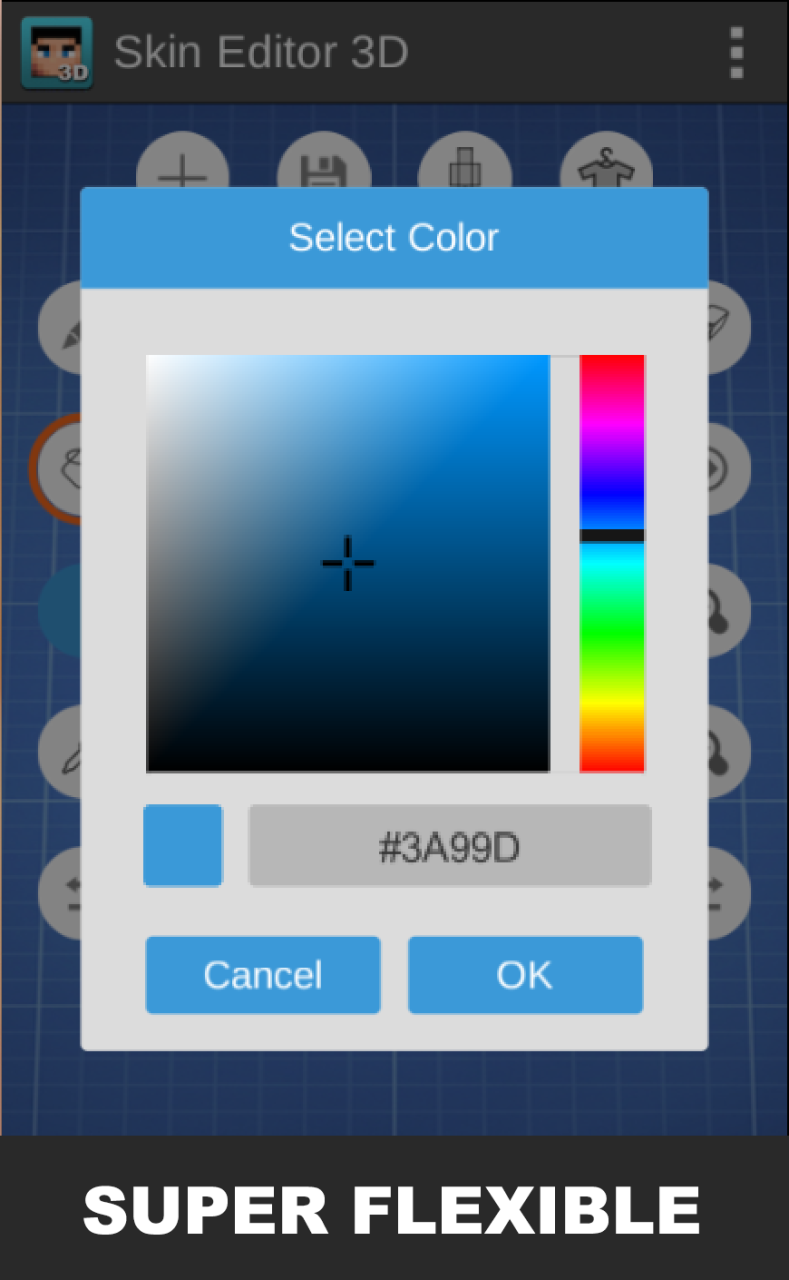
From the most popular Minecraft skin editor on Play Store, 'Skin Editor for Minecraft', we have come back to create a better version with more functionalities to edit skins.
The application supports both 64x32 (old version) and 64x64 (new version) skins.
These are the features of Skin Editor 3D for Minecraft:
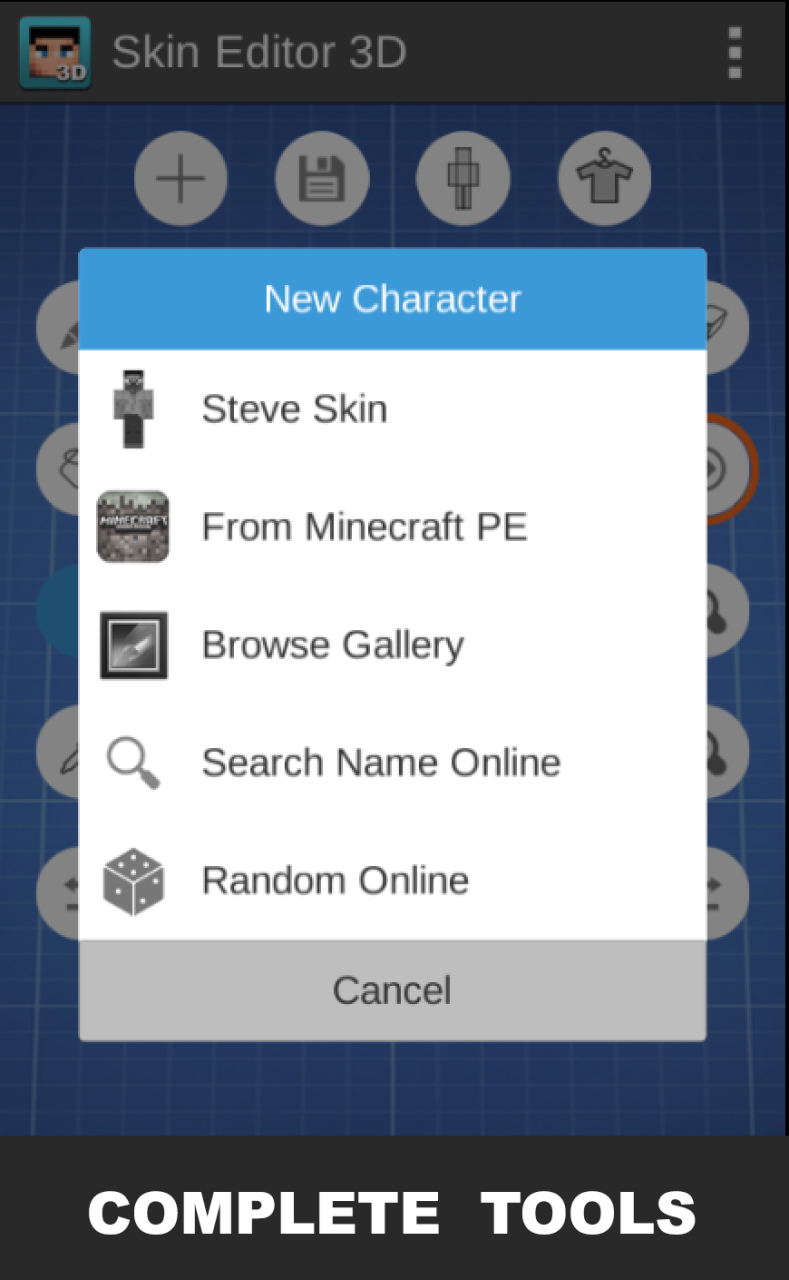
1. Create new Minecraft skins
- Using Steve skin
- Browse more than 20,000 skins online
- Copy any online player's skin by name
- Random skin online for you
- Direct import from Minecraft PE
- Browse gallery for skins
2. Edit and impove skins with amazing tools
- Paint brush
- Paint Bucket (Fill tool)
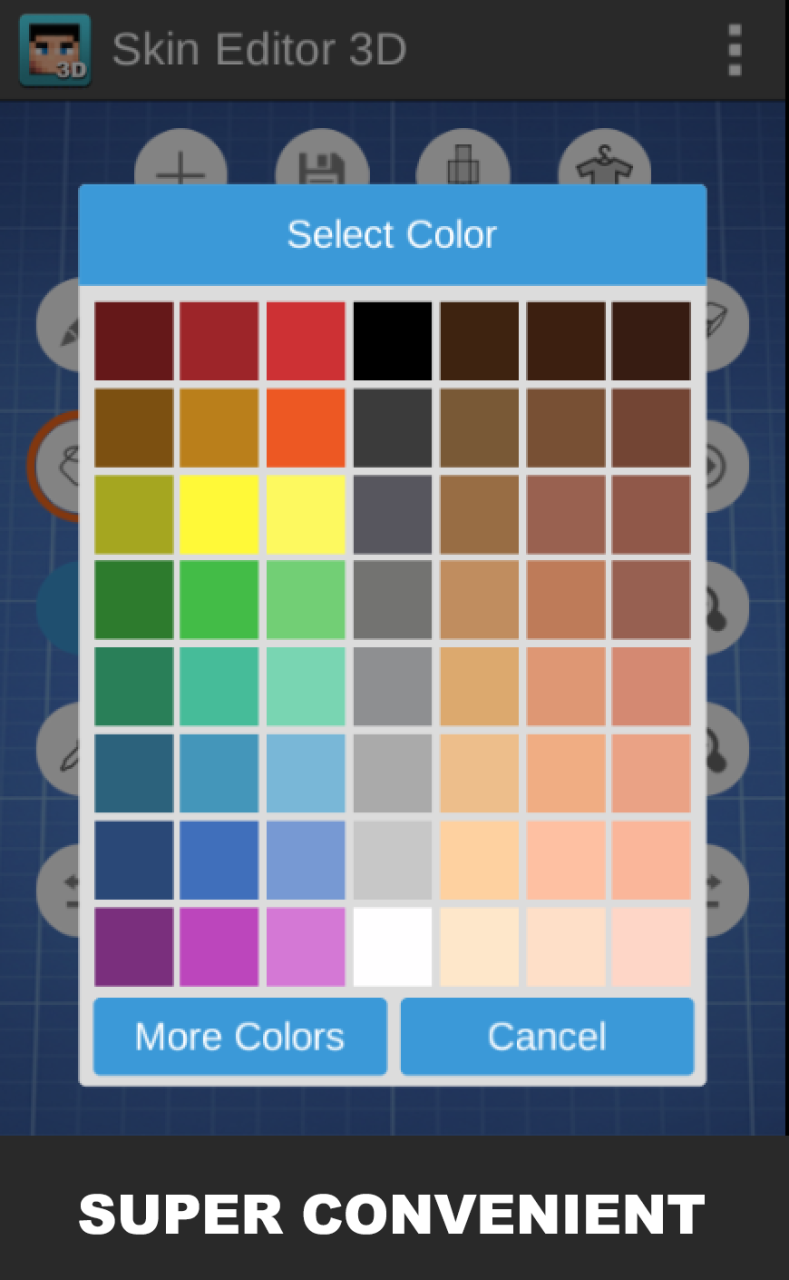
- Color grid selector
- Color gradient selector
- Eye dropper to read color
- Zoom in/out tools
- Rotating tool
- Undo and redo button
3. Adjust visibility of each body part of your Minecraft character. This way it is super easy to paint inside of the body.
4. Export skins in 2 different ways
- Export directly to Minecraft Pocket Edition
- Export to your gallery
You can follow me on Twitter @keeratipong. https://twitter.com/keeratipong
Skin Editor 3D for Minecraft is not developed by Mojang. Minecraft is a trademark of Mojang AB. Please note that we are not affiliated with Mojang AB but we adhere to the terms set out by Mojang AB at https://www.minecraft.net/terms
About Skin Editor 3D for Minecraft
The company that develops Skin Editor 3D for Minecraft is บริษัท เรโมโร สตูดิโอส์ จำกัด. The latest version released by its developer is 1.7.
To install Skin Editor 3D for Minecraft on your Huawei device, just click the green Continue To App button above to start the installation process. The app is listed on our website since 2020-05-01 and was downloaded 21 times. We have already checked if the download link is safe, however for your own protection we recommend that you scan the downloaded app with your antivirus. Your antivirus may detect the Skin Editor 3D for Minecraft as malware as malware if the download link to C102148203 is broken.
How to install Skin Editor 3D for Minecraft on your Huawei device:
- Click on the Continue To App button on our website. This will redirect you to Huawei Store.
- Once the Skin Editor 3D for Minecraft is shown in the Huawei Store listing of your Huawei device, you can start its download and installation. Tap on the Install button located below the search bar and to the right of the app icon.
- A pop-up window with the permissions required by Skin Editor 3D for Minecraft will be shown. Click on Accept to continue the process.
- Skin Editor 3D for Minecraft will be downloaded onto your device, displaying a progress. Once the download completes, the installation will start and you'll get a notification after the installation is finished.
